Getting Started
A Beginner's Tour of the Smart TV Home Screen
What the rows, tiles, and menus mean, and how to find the settings you use most.
Practical guides for entertainment apps, remotes, picture and sound settings, connectivity, updates, accessibility, games, and everyday television use.
We explain features in plain language. Nothing to install, activate, or sign up for — just clear, independent guidance.
Start with the area you need help with today. Each category collects clear, step-by-step explanations for common smart TV tasks.
Recently written explainers covering the questions smart TV owners ask most often.
What the rows, tiles, and menus mean, and how to find the settings you use most.
Reorder favourites, remove apps you no longer use, and free up storage the safe way.
Understand picture modes, brightness, and motion settings without the jargon.
A calm checklist for batteries, line of sight, and simple re-pairing steps.
Small changes to placement and network settings that help video play smoothly.
Casual and family-friendly game ideas, plus the picture setting that helps them feel responsive.
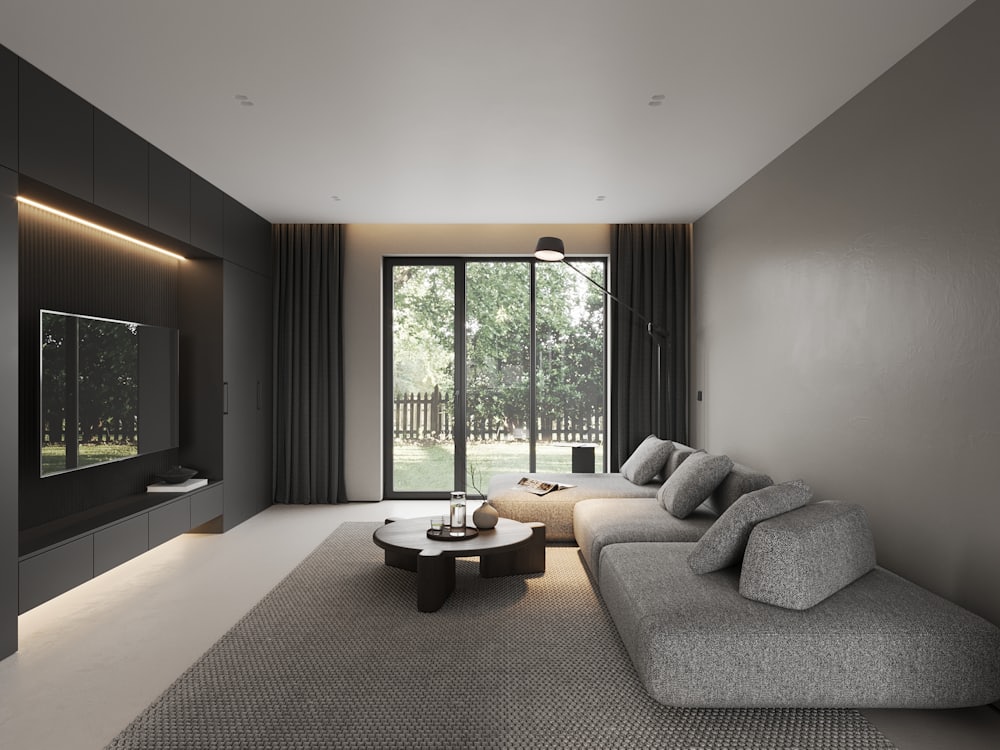
A smart television is simply a TV that can connect to your home network and run media apps. Once you understand the home screen and a few key menus, everything becomes easier to navigate.
Two everyday themes that make the biggest difference to how much you enjoy your television.
Organise media apps, keep your home screen tidy, understand streaming-quality options, and manage storage using the settings already built into your television.
Learn what common buttons do, select the right input, care for batteries, and follow calm steps when a remote stops responding.

Small adjustments to picture mode, brightness, and sound settings can make a noticeable difference. Our guides explain each option in plain language so you can choose what looks and sounds best to you.
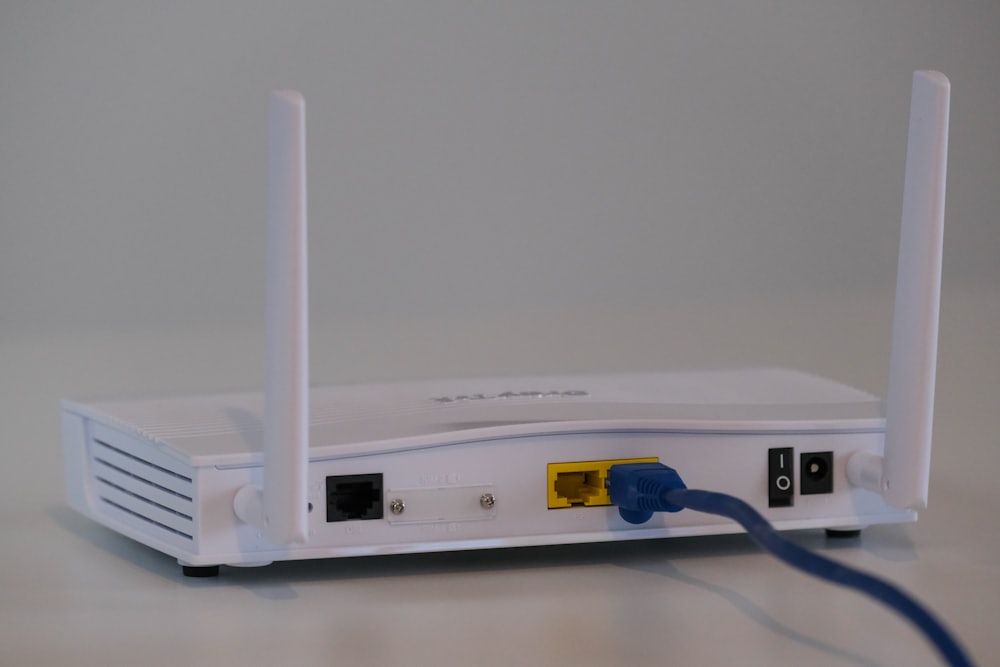
Buffering and drop-outs usually come down to signal strength and router placement. Learn the difference between Wi-Fi and Ethernet and how to keep streaming smooth.

Many televisions include casual, puzzle, and family games you can enjoy without extra hardware. We cover suitable game types, age suitability, parental settings, and the picture options that help games feel responsive.
Explore smart TV gamesStraightforward habits that keep your television running well and comfortable for everyone in the household.
Check for software updates through built-in menus, restart safely, and clean and ventilate your television the right way.
Use captions, text scaling, high-contrast modes, and audio guidance to make viewing easier for everyone.
Review app permissions, voice-data options, and parental controls so your household views comfortably and privately.
A calm power-cycle clears many temporary app and picture glitches.
Try a “Movie” or “Filmmaker” style mode for a more natural image.
Open placement usually beats hiding the router inside a cabinet.
Move your favourite apps to the front and remove ones you never open.
We are an independent publication. We do not sell televisions, activate services, or represent any manufacturer or provider.
Everything is written for everyday viewers, with short steps and helpful definitions.
No downloads, no activation, no alarming messages — only genuine educational content.
We use generic terms and never claim to be official, authorised, or affiliated with any brand.
A calm checklist for batteries, line of sight, and simple re-pairing steps.
Small changes to placement and network settings that help video play smoothly.
Casual and family-friendly game ideas, plus the picture setting that helps them feel responsive.